Connect EasyPost to Frate Returns (Step-by-Step)
Last updated: September 12, 2025
Set Up Time: 10-minutes
What you need
Admin access to Frate through Shopify
Company contact details and business address
A payment method to fund labels (ACH bank account or credit card)
Steps
Open Frate → Settings → Shipping. In the EasyPost section, click Setup Account.
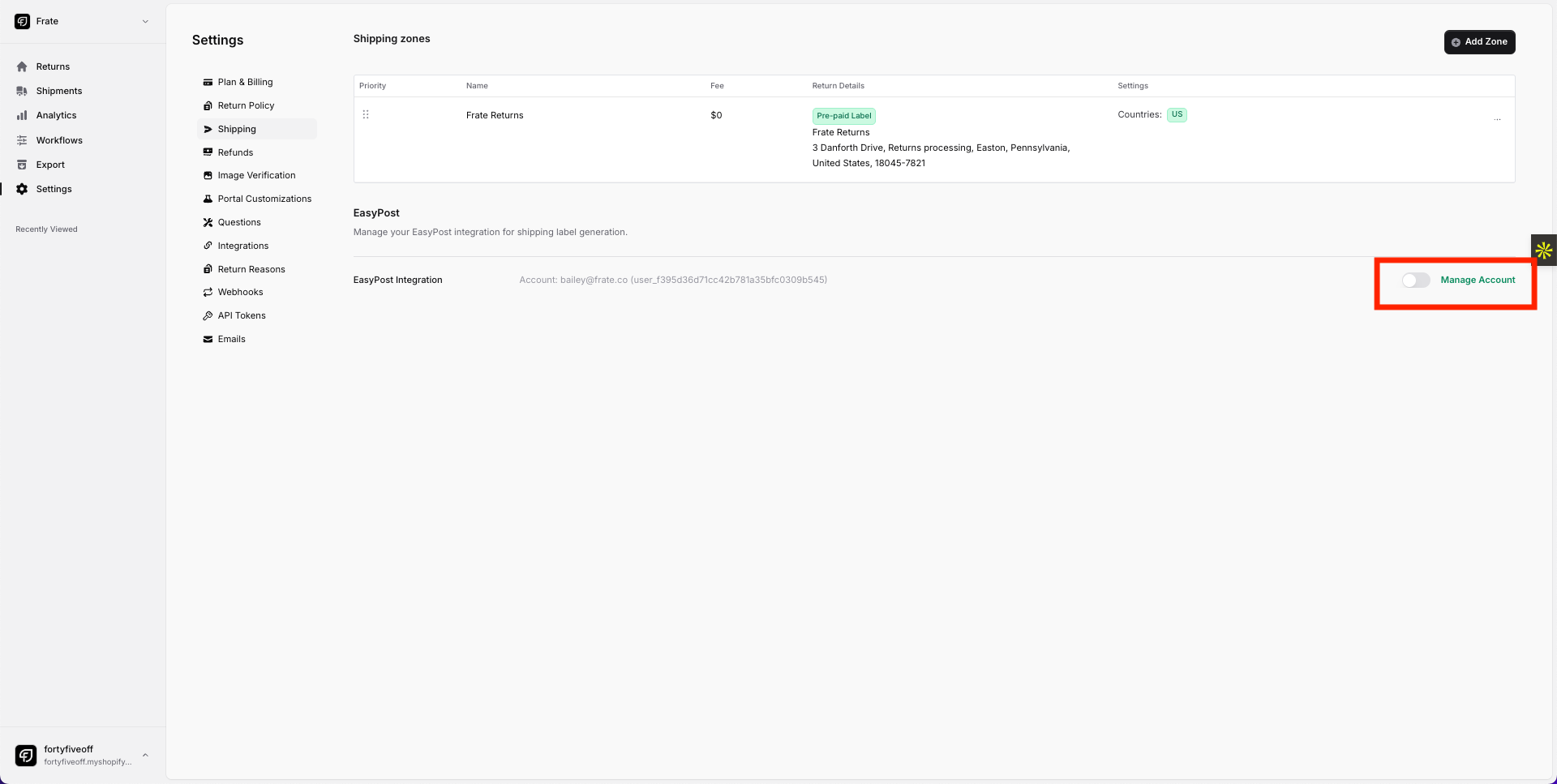
In Setup EasyPost Account, confirm your Email and Phone Number, then click Setup Account.
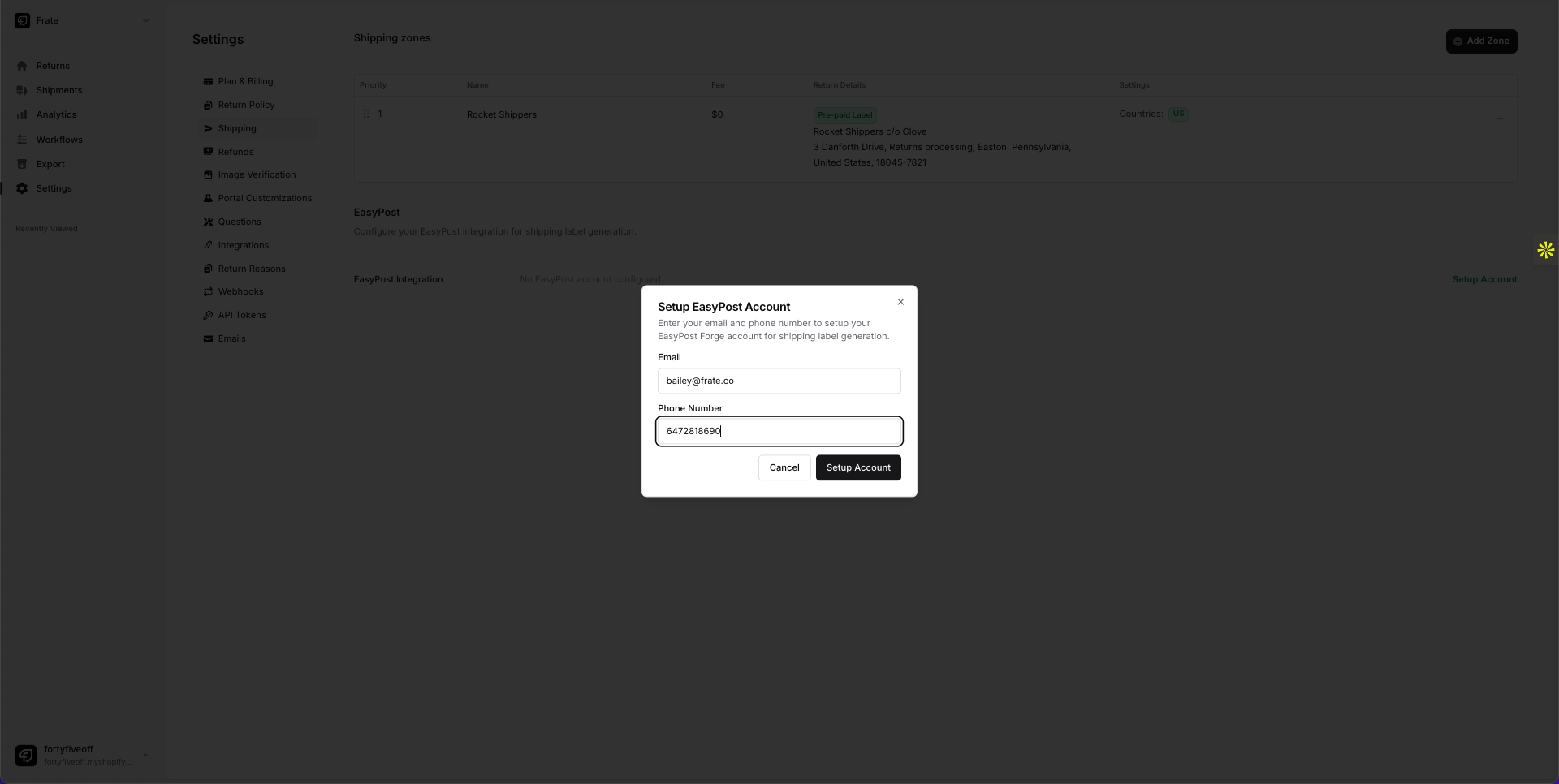
On the EasyPost + Frate Returns screen, tick Accept EasyPost TOS and click Get Started.
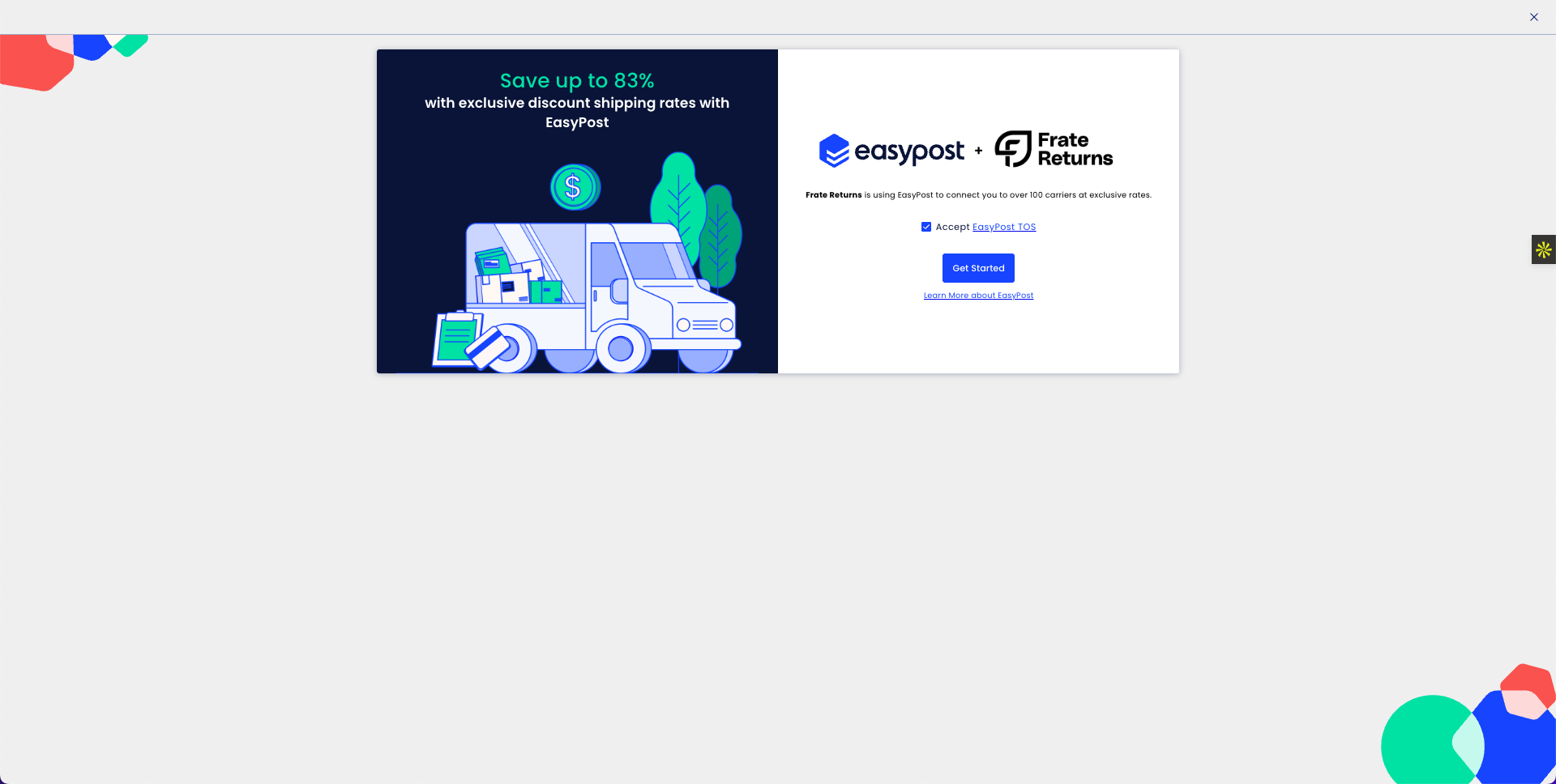
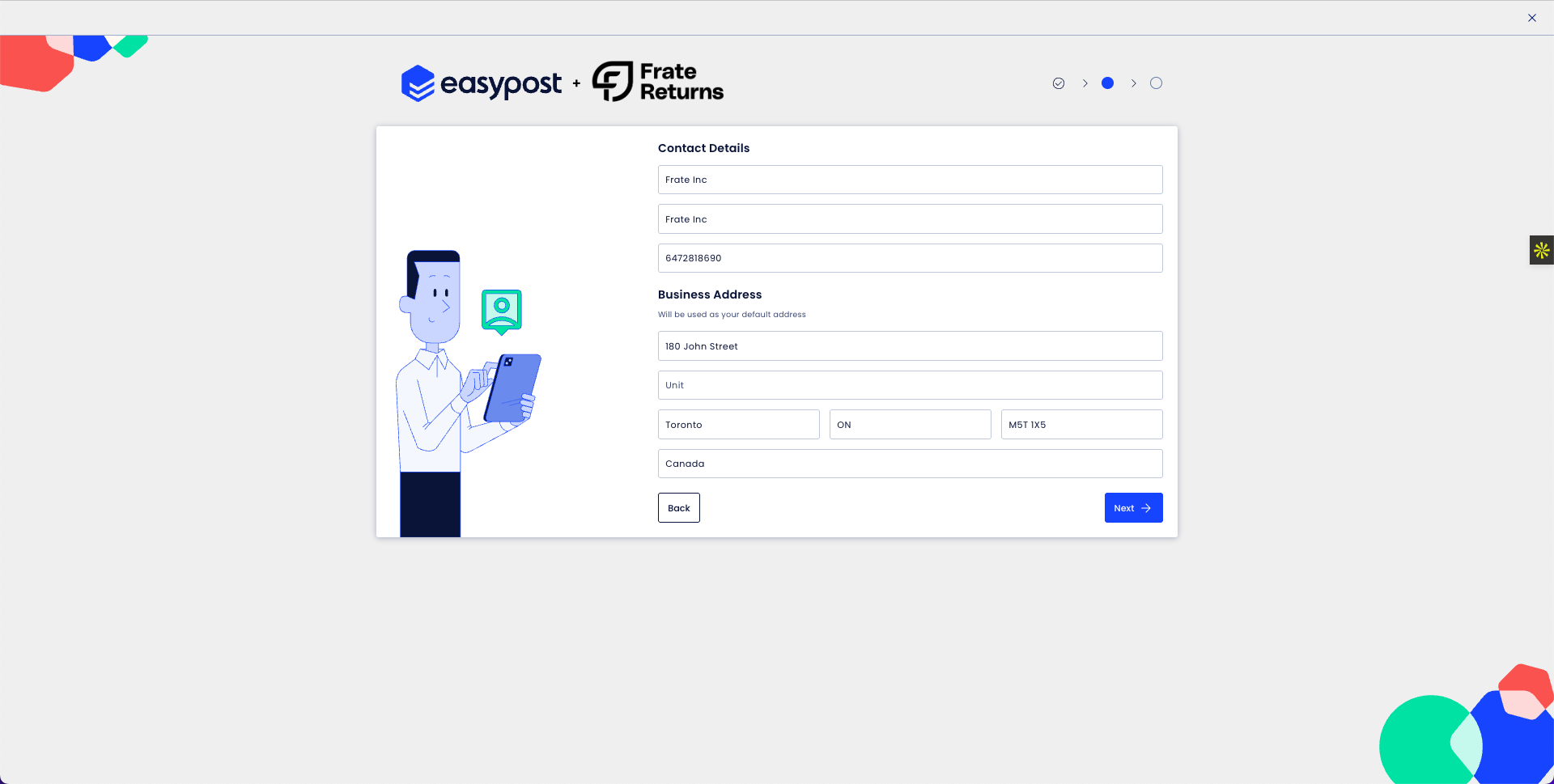
Complete Contact Details and Business Address, then click Next.
In Wallet Setup, click Add an Account to connect a funding source.
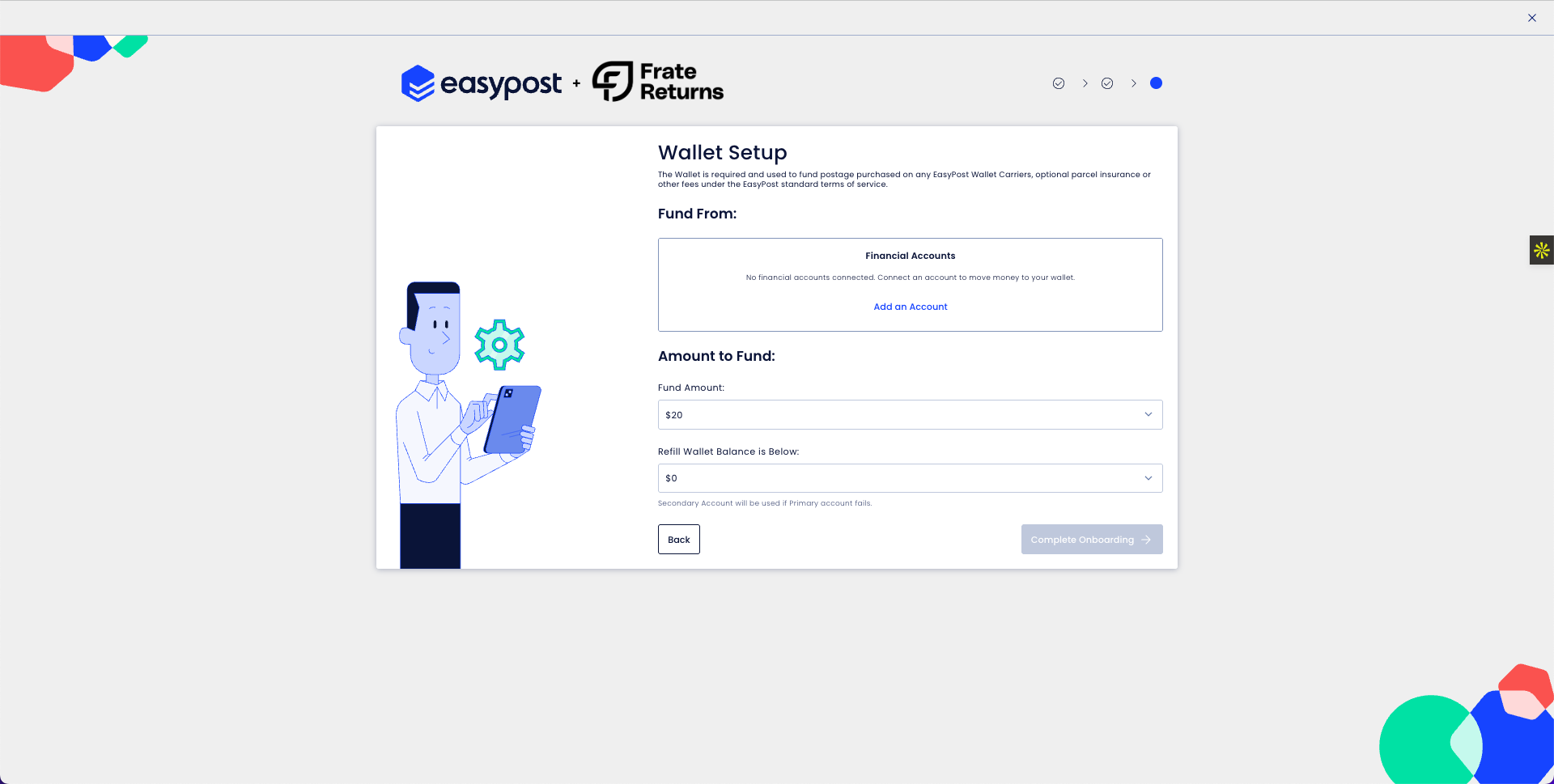
Choose a payment method:
Add a Bank Account: ACH funding, no fee, 1–3 business days
Add a Credit Card: instant funding, 3.75% processing fee
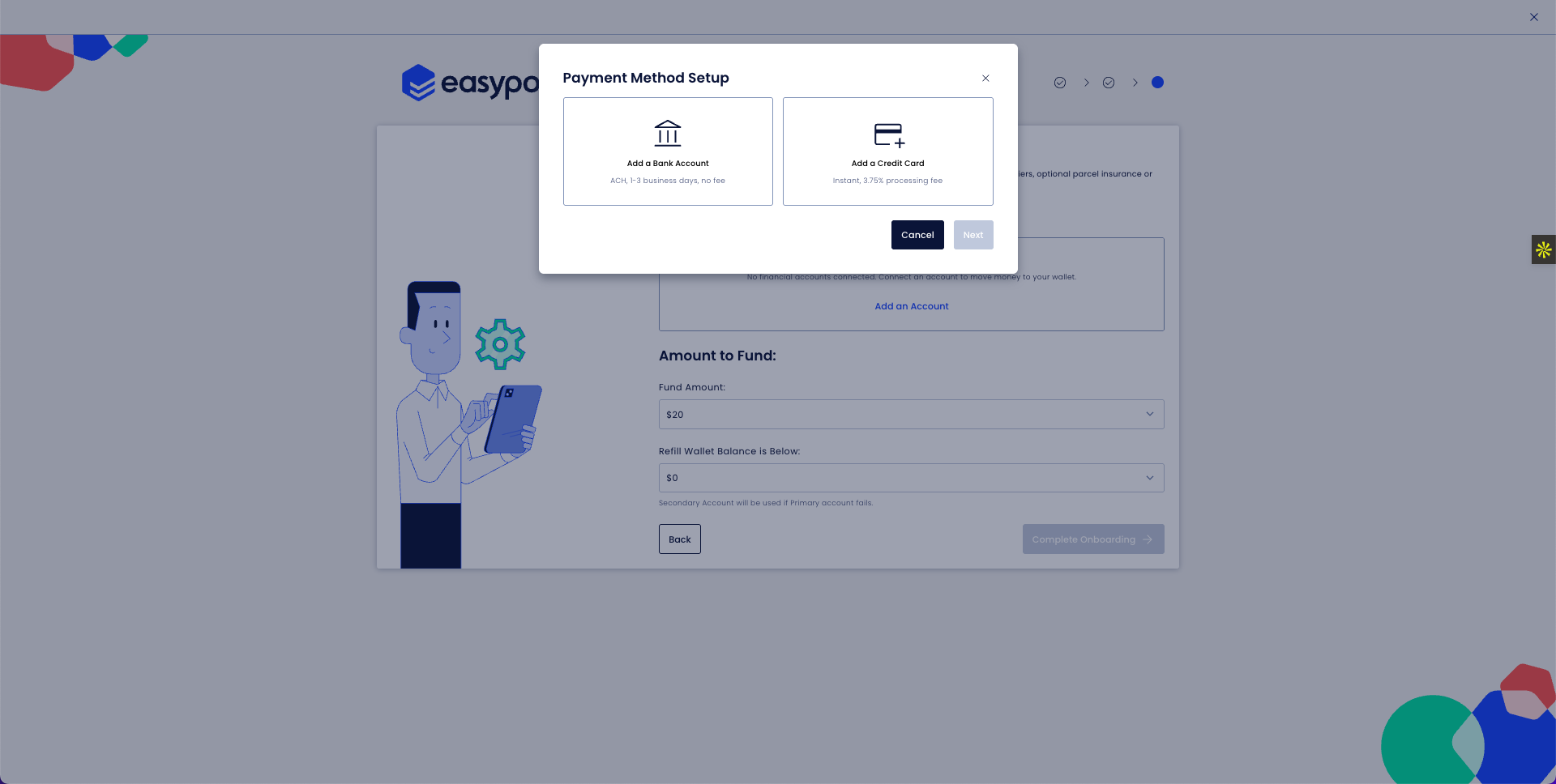
Set Fund Amount for the initial load and Refill wallet balance is below for auto top-ups. Click Complete Onboarding.
*SUGGESTION TO ENSURE FUNDS DON'T RUN OUT AND LABELS FAIL:
Fund amount: $1,000
Refill balance: $500
Ensure you have a credit card as a backup payment at a minimum
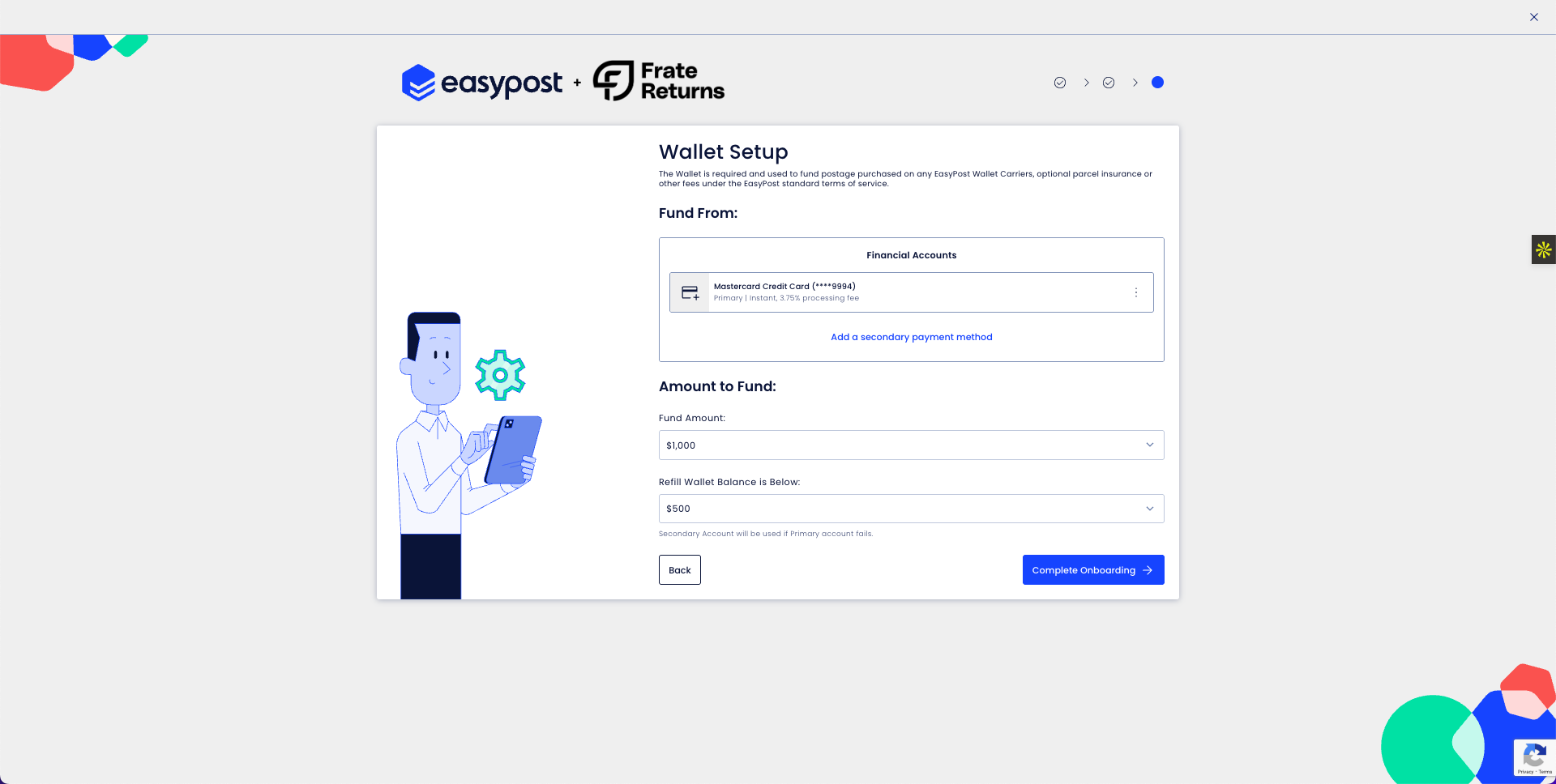
In order for shipments to create successfully, you need to one time fund the account Go to Wallet > Manage Funds > One time funding > $100 (minimum)
We suggest doing this with a credit card, so the balance is added instantly.
Add Carrier Accounts by going to Carriers > Add Carrier. You have access to 100+ carriers. Feel free to enable to disable carriers, but it will be defaulted to USPS and DHL.
We rate shop, so we will always choose the lowest available rate.
Enable EasyPost. Go back to the Frate Dashbord > Settings > Shipping > EasyPost Integration > Toggle enable button
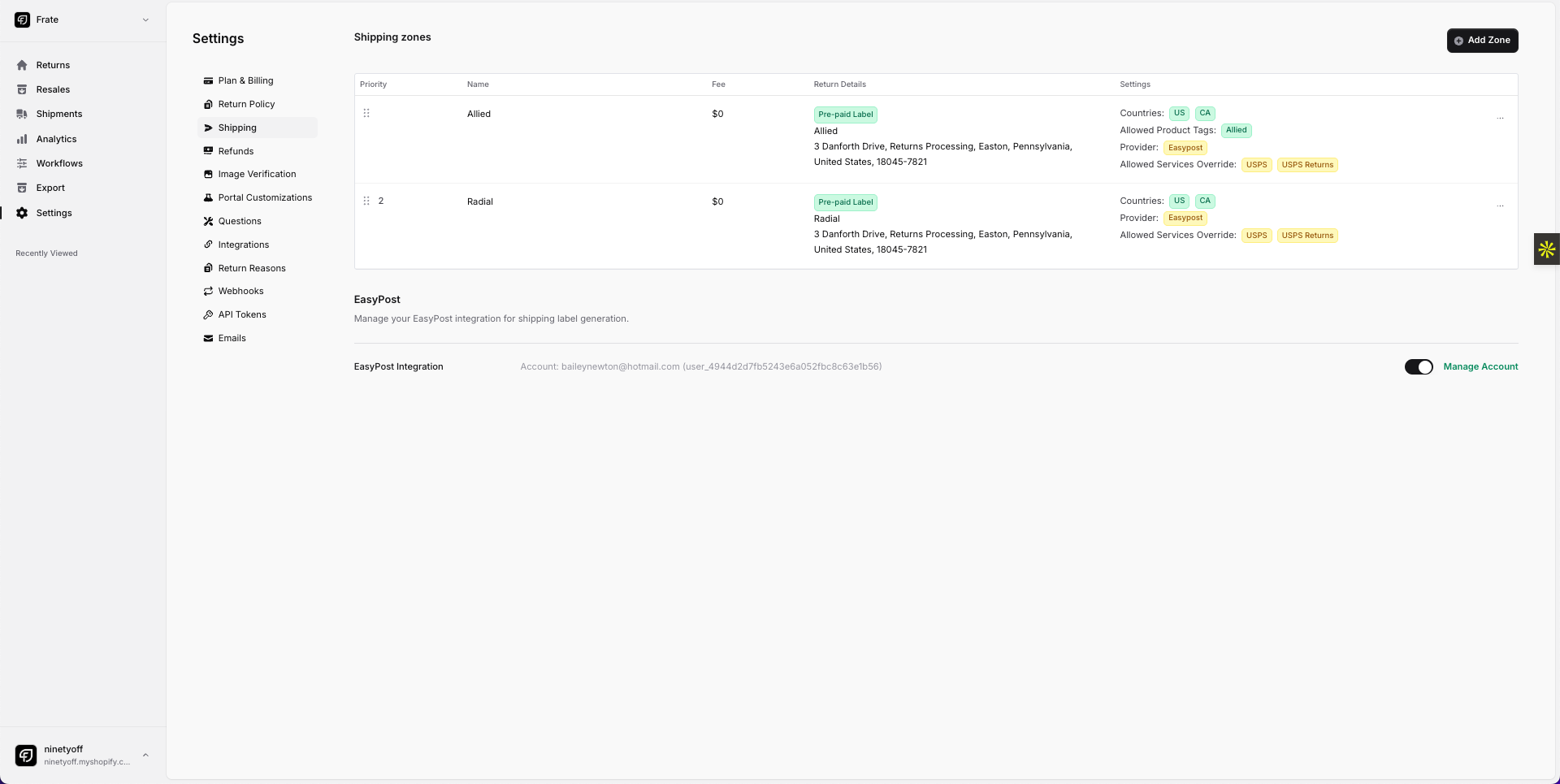
You're all set!
After onboarding
Once this is complete, Frate will enable your preferred carriers and then shipments will be created directly through your EasyPost sub account.
Troubleshooting
Get Started window doesn’t open: allow pop-ups and disable blockers.
Address verification fails: use the legal business name and a valid mailing address.
Payment method declined: try an ACH bank account or verify card permissions.